Advanced Tips
These tips can improve your experience but are entirely optional.
They may require some technical knowledge. Don't worry if you can't follow — you don't need to do any of this to enjoy Sushi: Zenith.
Voxy Mod
The Sushi: Zenith modpack comes with the Voxy distance extension mod by default. You can adjust your desired render distance in the video settings.
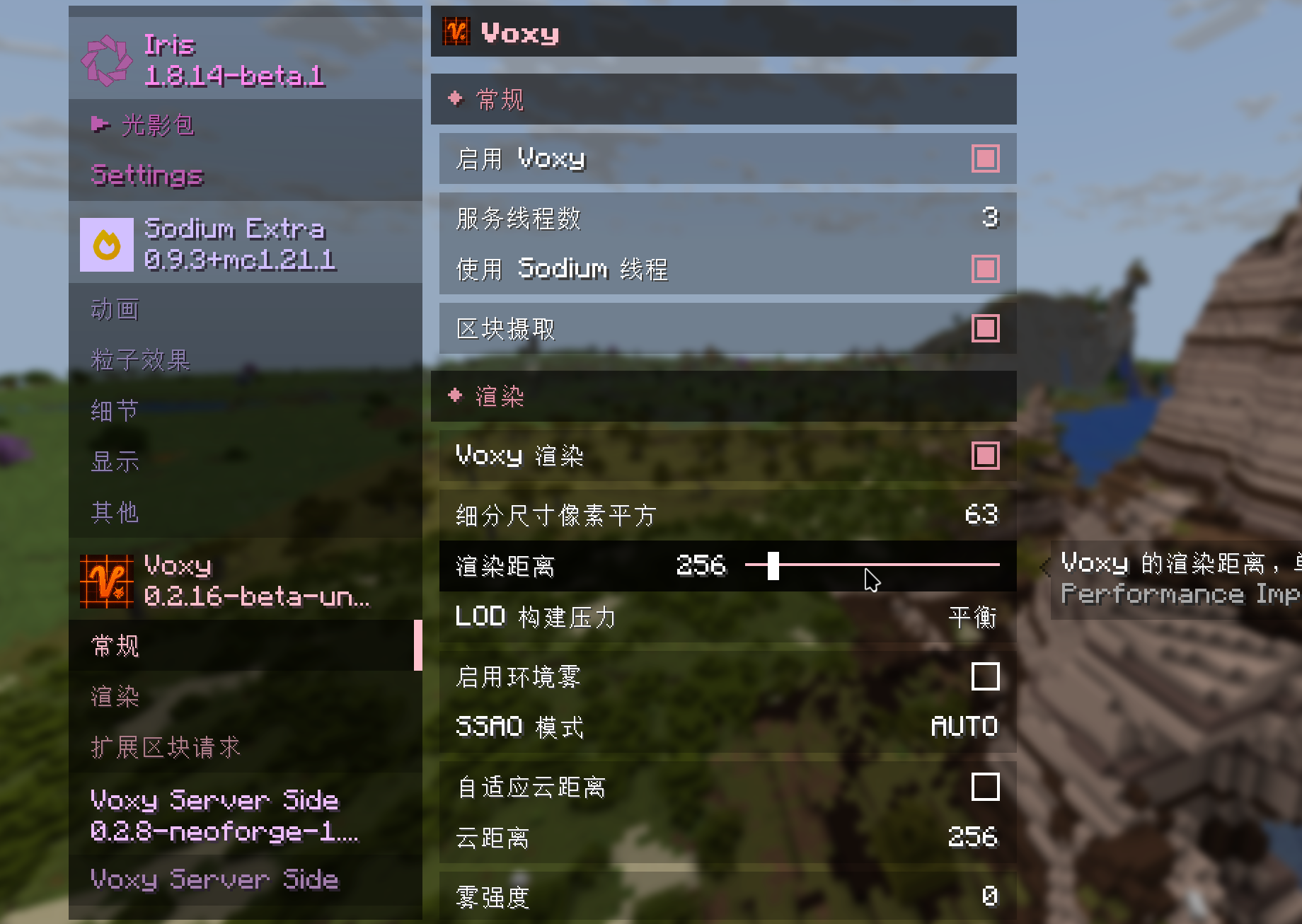
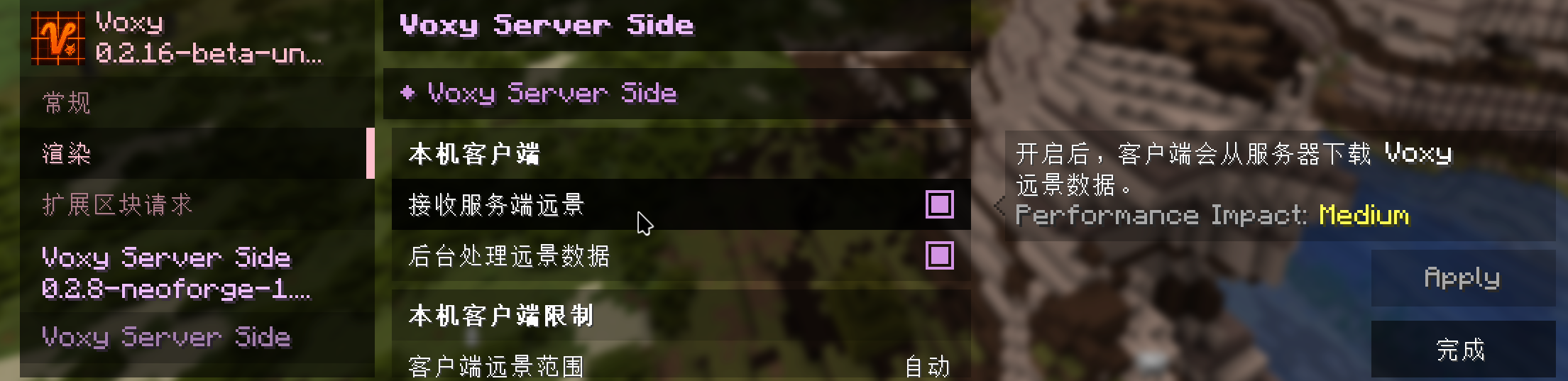
The server provides a maximum render distance of 16 chunks and sends up to 256 chunks of Voxy scenery. You can adjust how much Voxy data you want to receive in the Voxy Server Side mod settings.
Voxy supports shaders on Sushi: Zenith. We recommend Complementary shaders with the Euphoria Patches mod for great performance and visuals.
Voxy Performance
Voxy is well-optimized, but some devices may still struggle. If you experience performance issues, you can disable Enable Voxy and Receive Server-Side Scenery in the video settings.
Colorful Tooltips
If you don't like the visual effects of colorful tooltips, consider disabling or removing mod ColorTooltips to disable these effects.
The rarity of items are provided by rarity core engine and cannot be removed from client.
Syncing Xaero Maps Across Lines
If you frequently switch network lines, your Xaero map data will be separate for each line, because the game treats each line as a different server. You can work around this with a bit of effort.
Data Sync (for advanced users)
- Open your version folder and find the
xaerodirectory, containingminimap(minimap) andworld-map(fullscreen map) subdirectories - Keep one line's map folders, delete the others
- Create shortcuts (Windows) or symlinks (Linux/macOS) pointing to the kept folders
All lines will now share the same map data — set it and forget it.
Syncing Voxy Chunk Cache Across Lines
Similar to above, you may notice that after switching lines, your Voxy chunk cache is gone and needs to reload. You can apply the same Data Sync approach to the .voxy directory in your version folder — create shortcuts or symlinks so the chunk cache is shared across lines. The final folder structure might look like this:
